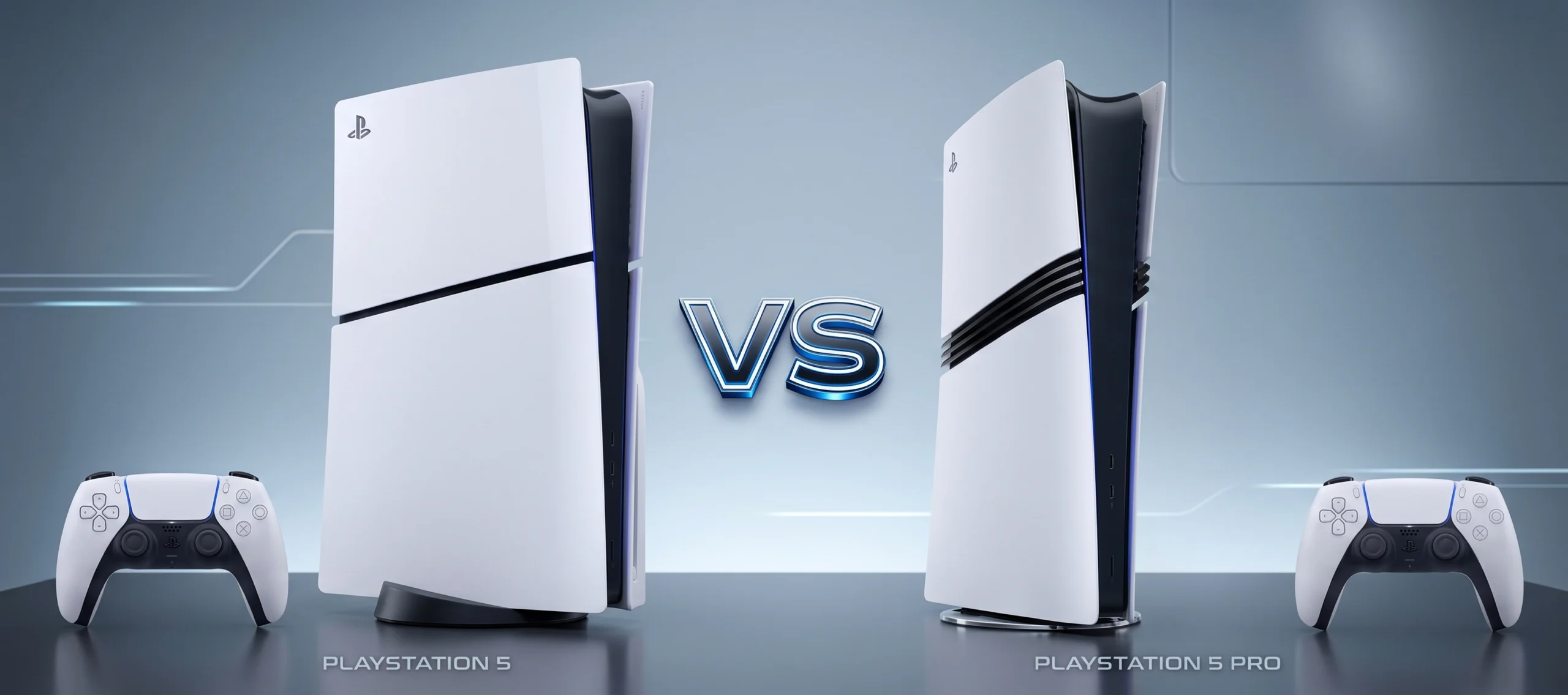
Sony has completely shifted the gaming landscape with its latest hardware release. You might be wondering how the original console holds up against the newer model. This detailed guide breaks down the ps5 vs ps5 pro debate. We will explore the graphics, speed, and features of both machines. Furthermore, we will help you decide if the playstation 5 pro upgrade makes sense for your setup.
Power and Performance
The original PS5 is already a remarkably powerful machine. It handles modern games beautifully with its custom AMD Zen 2 processor and 10.28 teraflops of GPU power. Therefore, many players still find it perfectly adequate for everyday gaming.
However, the Pro model takes graphical fidelity to a whole new level. Let us look closely at the ps5 pro specs. The upgraded console features 67% more compute units and 28% faster memory bandwidth. Consequently, this results in rendering speeds that are up to 45% faster than the base model. You will immediately notice smoother frame rates in visually demanding games.
Graphics and AI Upscaling
Another massive difference lies in how these consoles render images. The standard PlayStation uses traditional upscaling methods to reach 4k resolution. While this looks great, it sometimes struggles to maintain high frame rates simultaneously.
This brings us to the most exciting new feature: ps5 pro pssr (PlayStation Spectral Super Resolution). This AI-driven technology acts similarly to Nvidia’s DLSS. It uses machine learning to upscale lower-resolution images into stunning 4K visuals. Because of PSSR, you no longer have to choose between “Performance” and “Fidelity” modes. You get sharp graphics and smooth 60fps gameplay at the exact same time.
In addition to AI upscaling, the Pro version delivers massively upgraded ray tracing. You will see reflections, lighting, and shadows that look two to three times more realistic.
Storage and Connectivity Differences
Modern games take up a huge amount of hard drive space. The standard PS5 ships with an 825GB or 1TB drive. Gamers often fill this space up after installing just a few large AAA titles.
On the other hand, the Pro model comes with a massive 2TB SSD straight out of the box. This saves you the hassle of immediately buying an external drive. Additionally, the new model supports Wi-Fi 7. If you have a compatible router, you will experience significantly faster download speeds and lower latency during online matches.
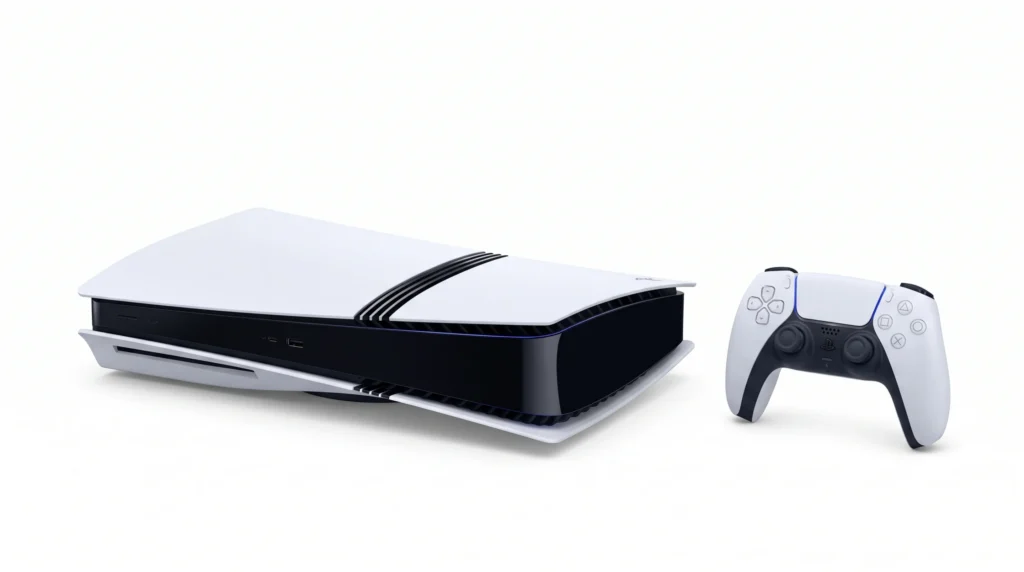
It is important to note that the Pro model is digital-only by default. If you want to play physical discs, you must purchase a detachable disc drive separately.
Is the PS5 Pro Worth It?
Pricing plays a massive role in this decision. The base PS5 currently retails for around $649 for the disc version, while the Digital Edition is even cheaper. Conversely, the Pro model carries a steep $899 price tag.
So, is the ps5 pro worth it for you?
If you own an older 1080p television, you will not see the visual benefits of the new hardware. The standard console remains the best choice for budget-conscious gamers or casual players.
However, if you have a high-end 4K TV with a 120Hz refresh rate, the upgrade becomes incredibly appealing. Hardcore gamers who demand the absolute best visuals, flawless frame rates, and massive storage space will find the premium price tag entirely justified.
Frequently Asked Questions
Does the PS5 Pro play physical game discs?
No, it does not come with a built-in disc drive. It is a digital-only console by default, but you can purchase an official detachable disc drive separately if you want to play physical media.
Will my standard PS5 games work on the Pro model?
Yes, both consoles share the exact same game library. In fact, the new hardware features a “Game Boost” mode that will actively improve the performance and stability of thousands of older PS4 and PS5 titles.
Do I need a new TV to use the upgraded console?
You do not strictly need a new TV, but a modern display is highly recommended. To actually see the graphical improvements, you should pair the console with a 4K television that supports HDMI 2.1 and 120Hz refresh rates.
Your Next Steps
Before you pull out your credit card, review this quick checklist to make your final decision:
- Check your TV: Ensure your screen supports 4K and 120Hz to utilize the hardware fully.
- Review your physical collection: Factor in the extra cost of a disc drive if you own mostly physical games.
- Consider your network: A Wi-Fi 7 router will maximize the new wireless capabilities.
- Evaluate your budget: Decide if slightly sharper shadows and smoother frame rates justify the substantial price jump.